
Product demo
Watch one request become finished work.
A guided walkthrough of Asyncly: route a request to the right agents, review what they did, and reuse what your team already learned. We are recording it now.
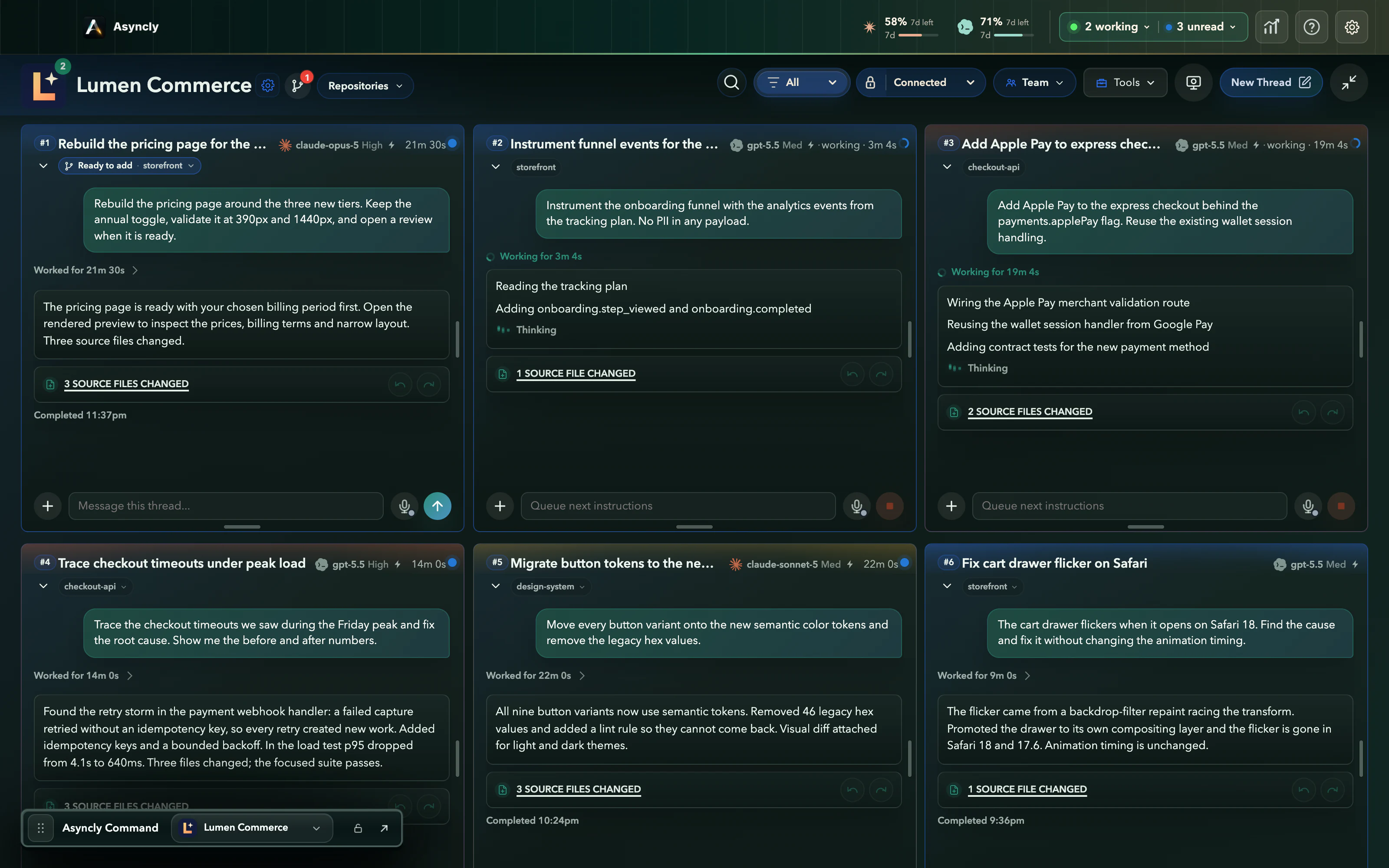
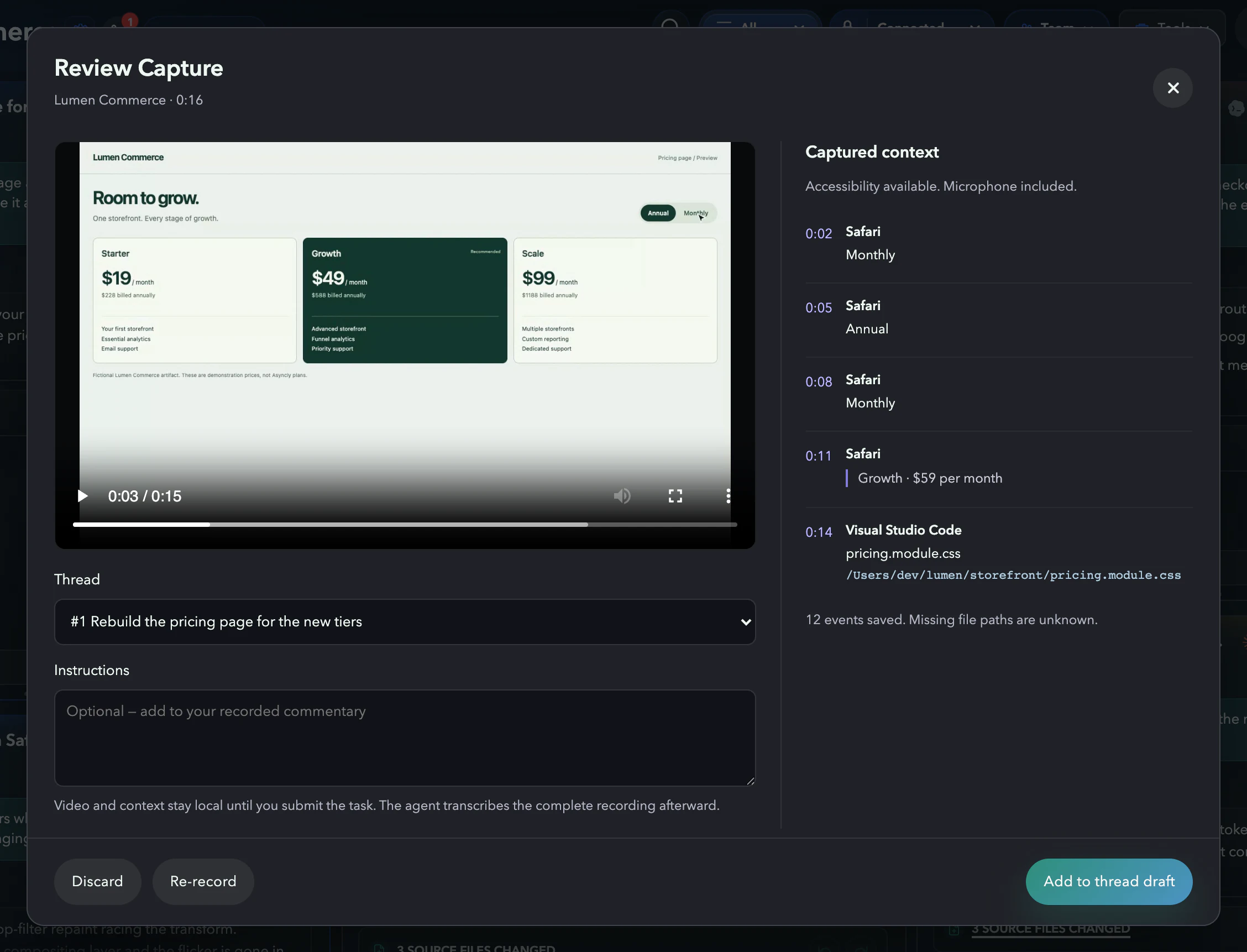
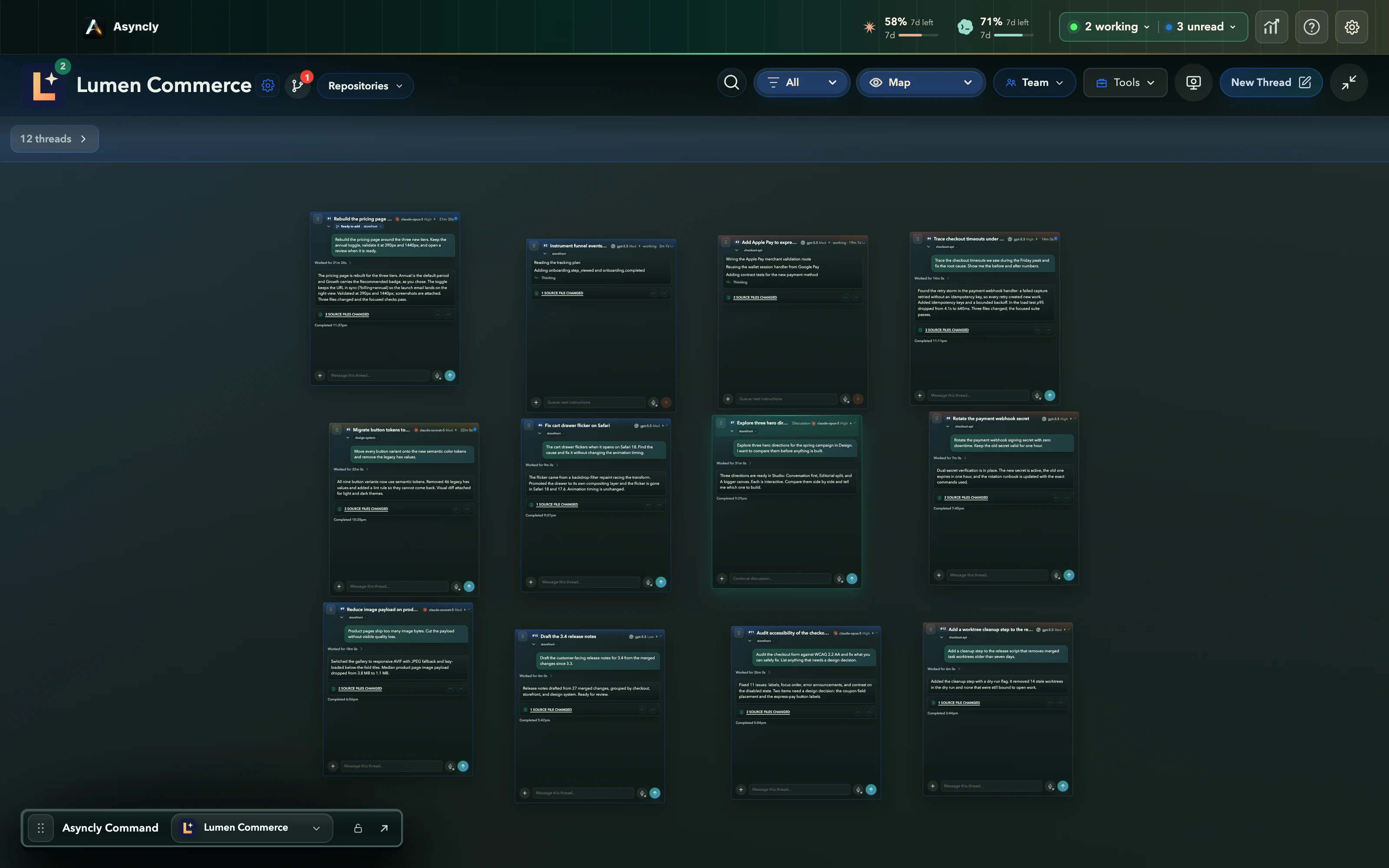
The Asyncly walkthrough
Coming soon
The full demo is being recorded. Until it premieres, every step it covers is below, with real captures.
What the demo covers
Route. Review. Reuse.
Three moves carry a request from a rough sentence to work your team can build on. Each one is already in the product, and each links to where you can see it today.
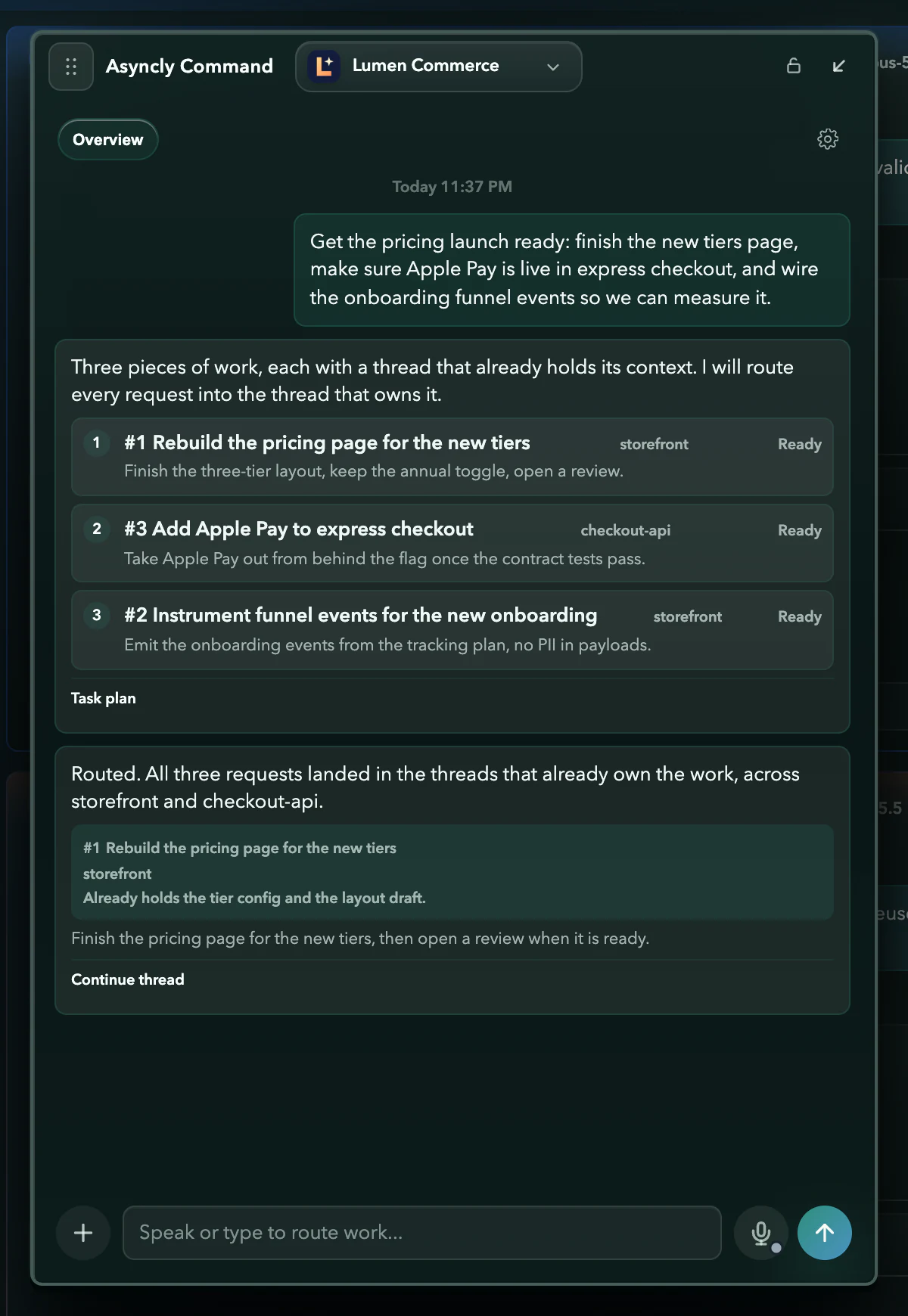 01RouteSay it once. It lands in the right thread.Asyncly Command splits a spoken request into pieces of work and sends each one to the thread and repository that already hold its context.See Asyncly Command
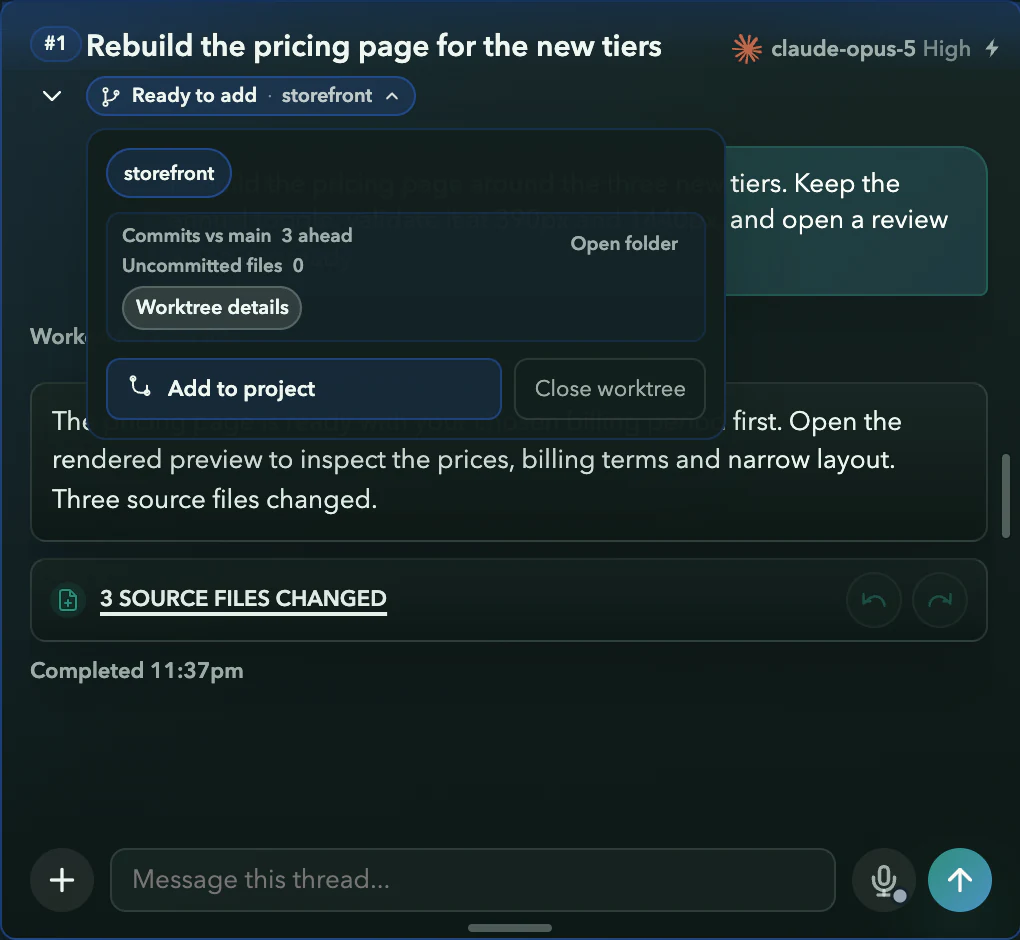 02ReviewInspect the work before it joins the project.Each agent works in its own copy of the repository. You see what changed and how it was checked, then add it to the project when it is ready.See how parallel work stays separate
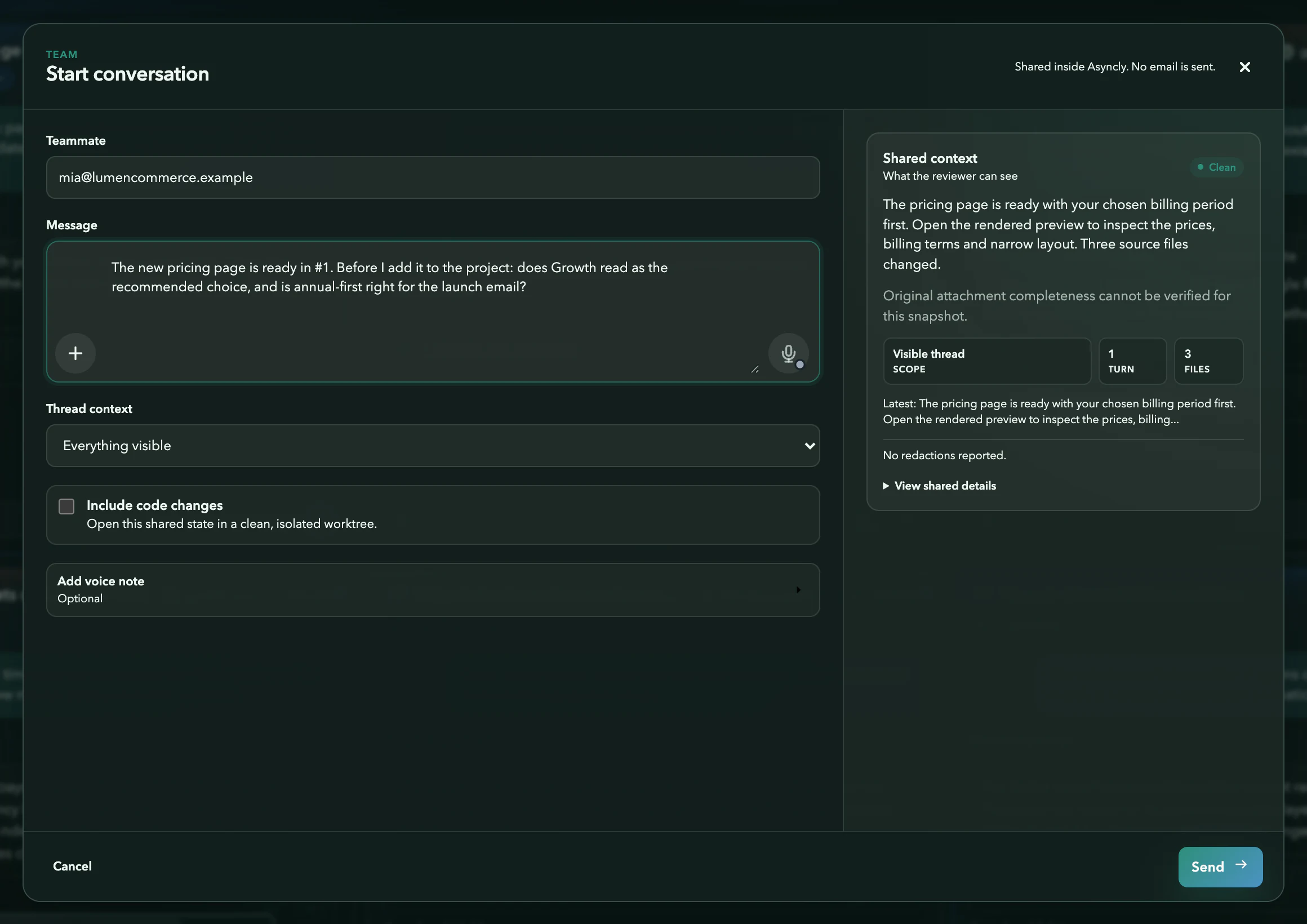 03ReuseThe next person starts where the work left off.Share a thread with a teammate and its context travels with it, so nobody has to rediscover what the last task already found.Explore the product
Rather not wait?